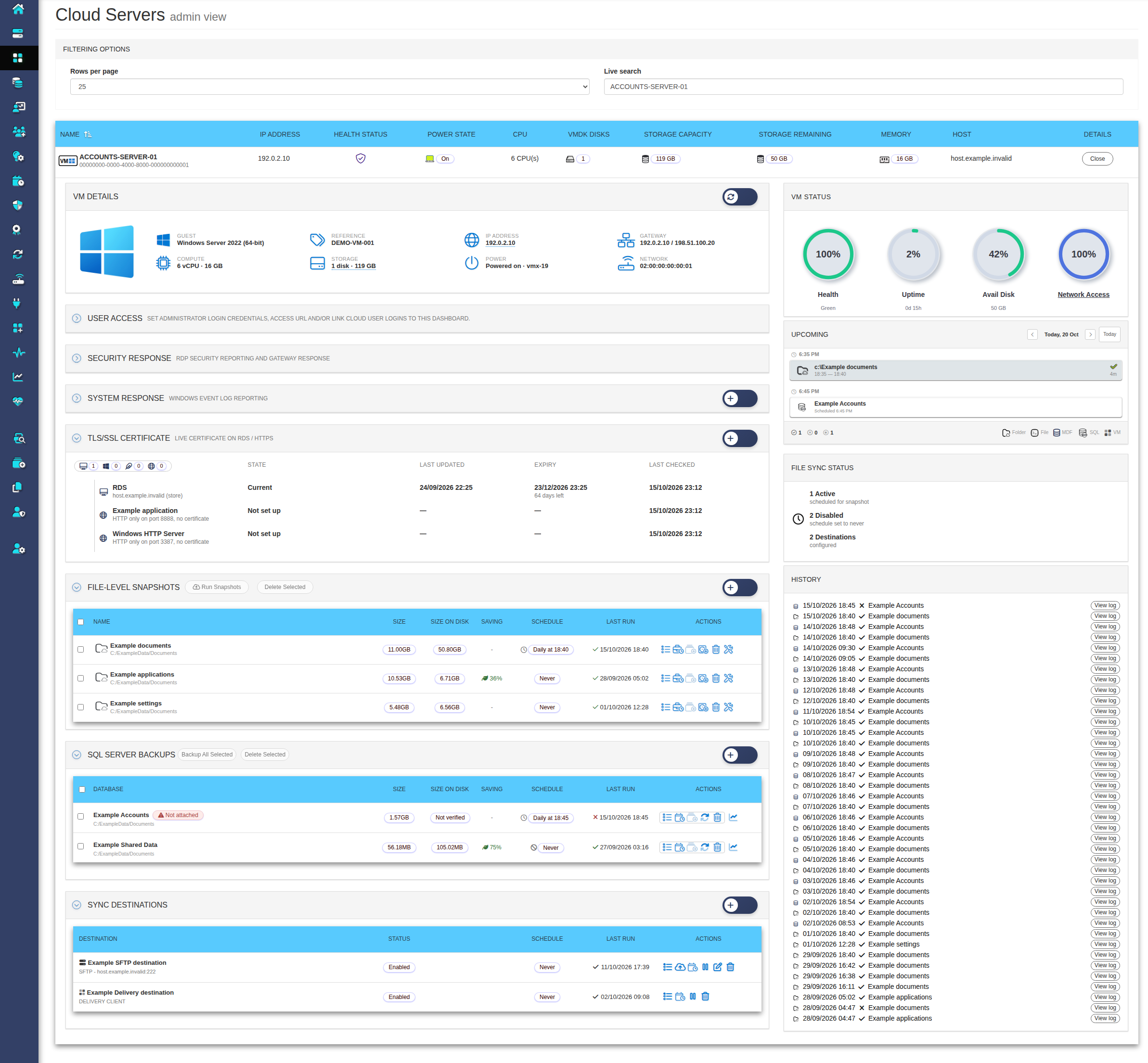
Know what ran, what is due next and what needs attention. The Cloud Dashboard brings server information, backups and deliveries together, so customers and partners can discuss the service using the same records.
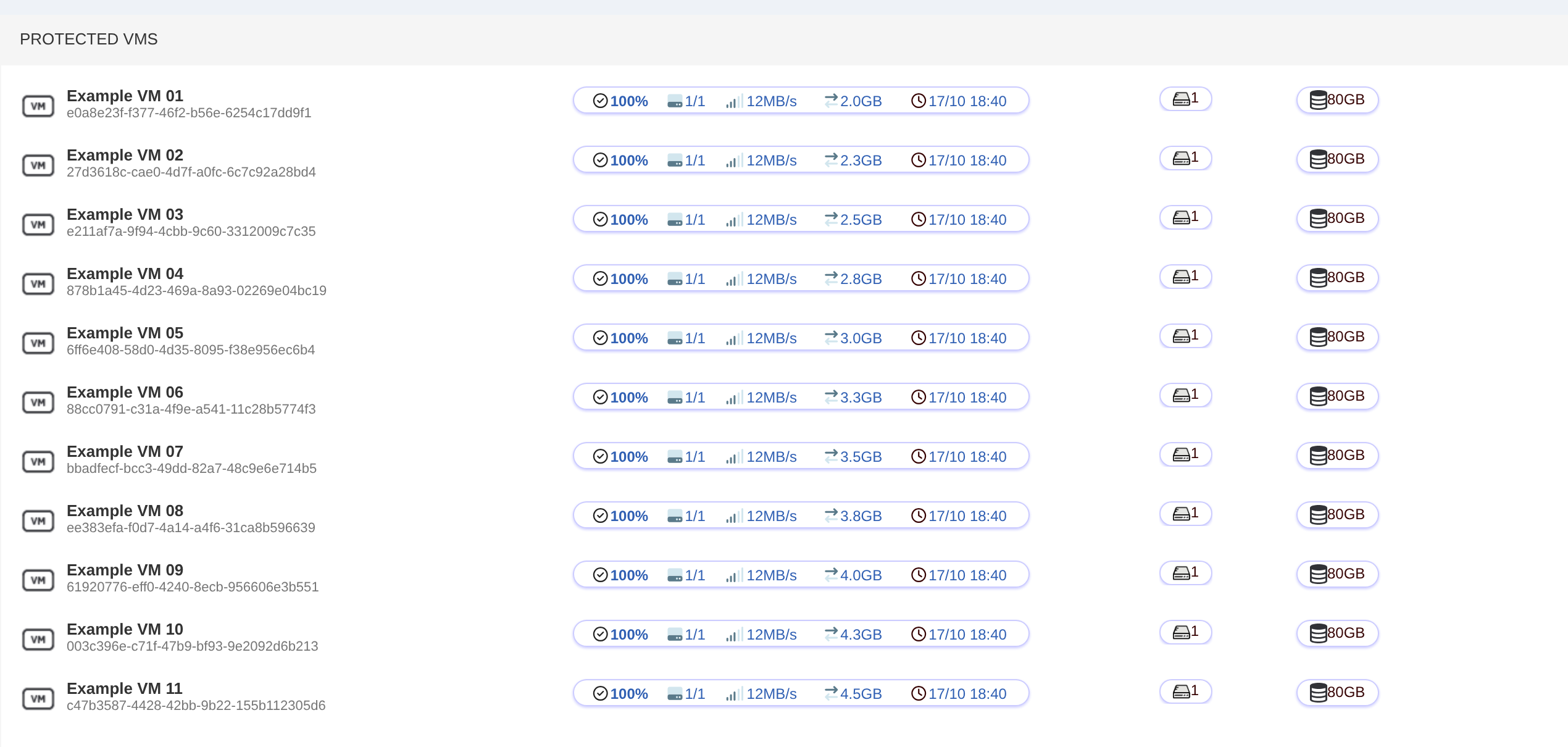
Whole-machine backups with Changed Block Tracking; the first run is full, every run after reads only what moved.
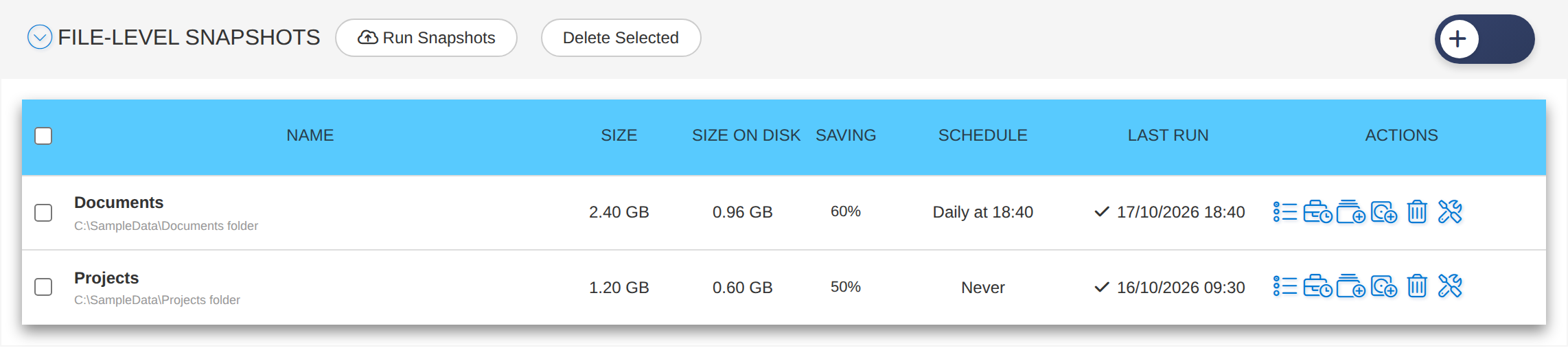
File-level backups
Pick folders on Windows or Linux servers; the engine reads only the disk blocks that hold those files.
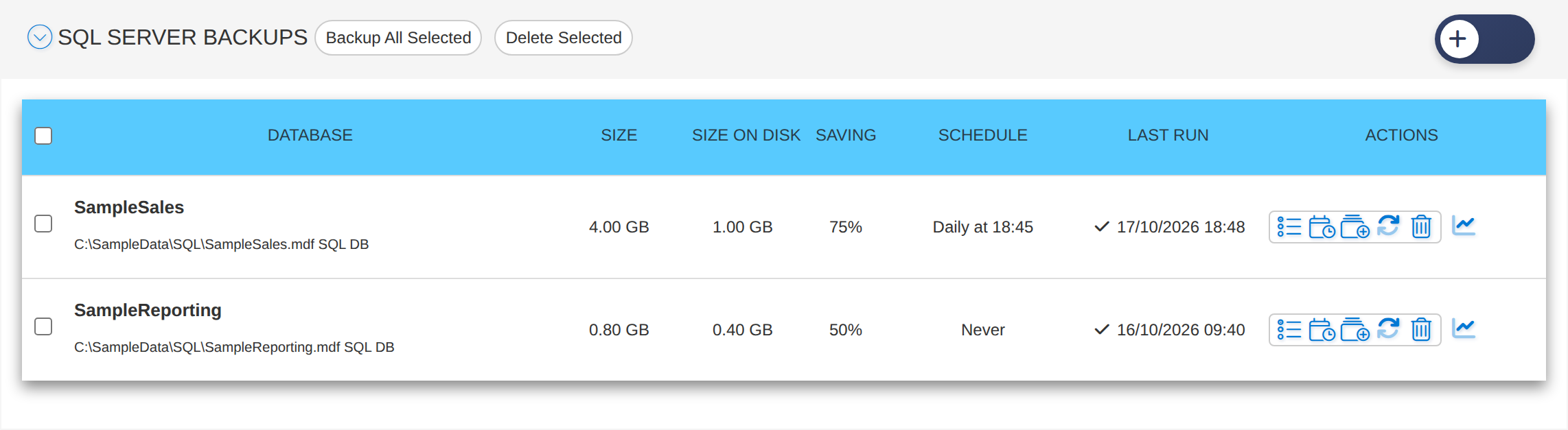
SQL Server backups
Data and log files taken from the disk snapshot while SQL Server keeps running.
Browse and download
Open any restore point like a folder and download a file or a zipped folder.
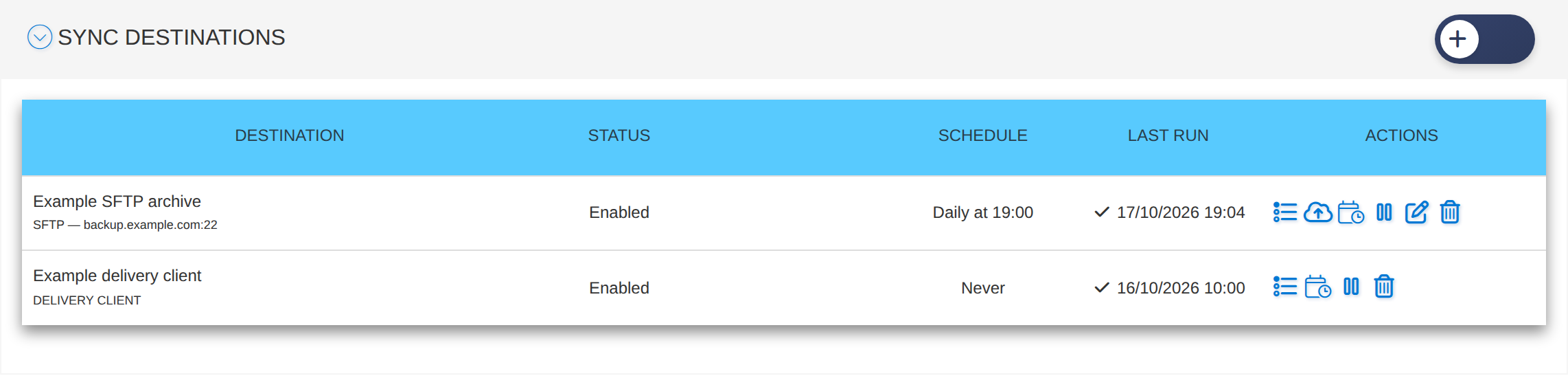
Sync destinations
Send chosen backups on to your own S3 bucket or SFTP server on a schedule, one zip per backup.
Certificates and users
TLS certificates on your Remote Desktop hosts and Windows user accounts managed from the same portal.
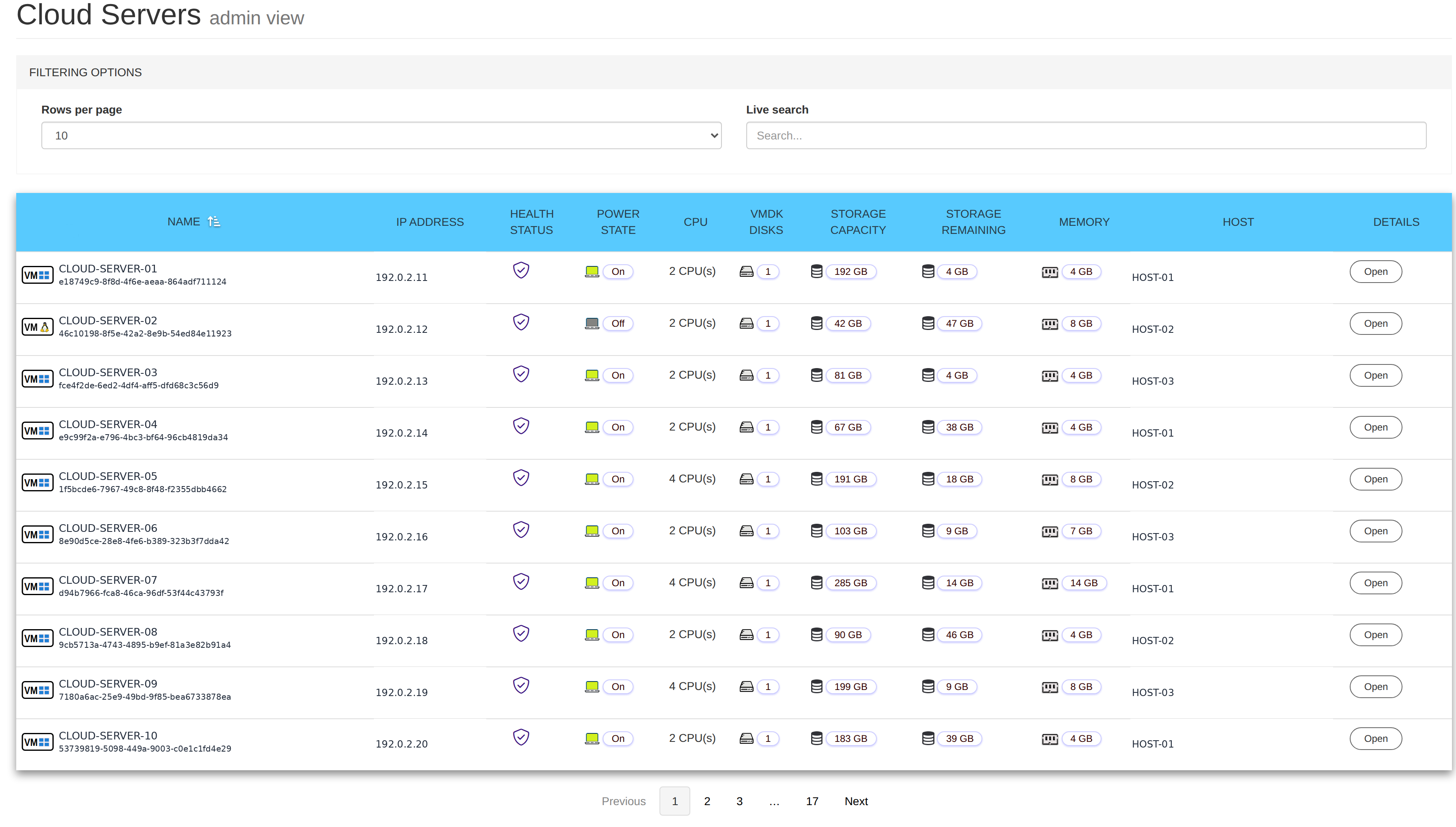
See every server
Review the servers you are responsible for and see where attention may be needed. Open a server to follow its backups, planned work and history before deciding the next step.
The Cloud Servers list: health, power, disks, storage and memory for every server.
Choose what to protect
Different information needs different protection. Review the schedules and results for important folders and databases, then decide where their copies should go.
File-level snapshots
SQL Server backups
Sync destinations
Follow backup progress
See whole-server backup jobs as they run and review the record afterwards. Your team can follow progress without relying on separate updates or assumptions.
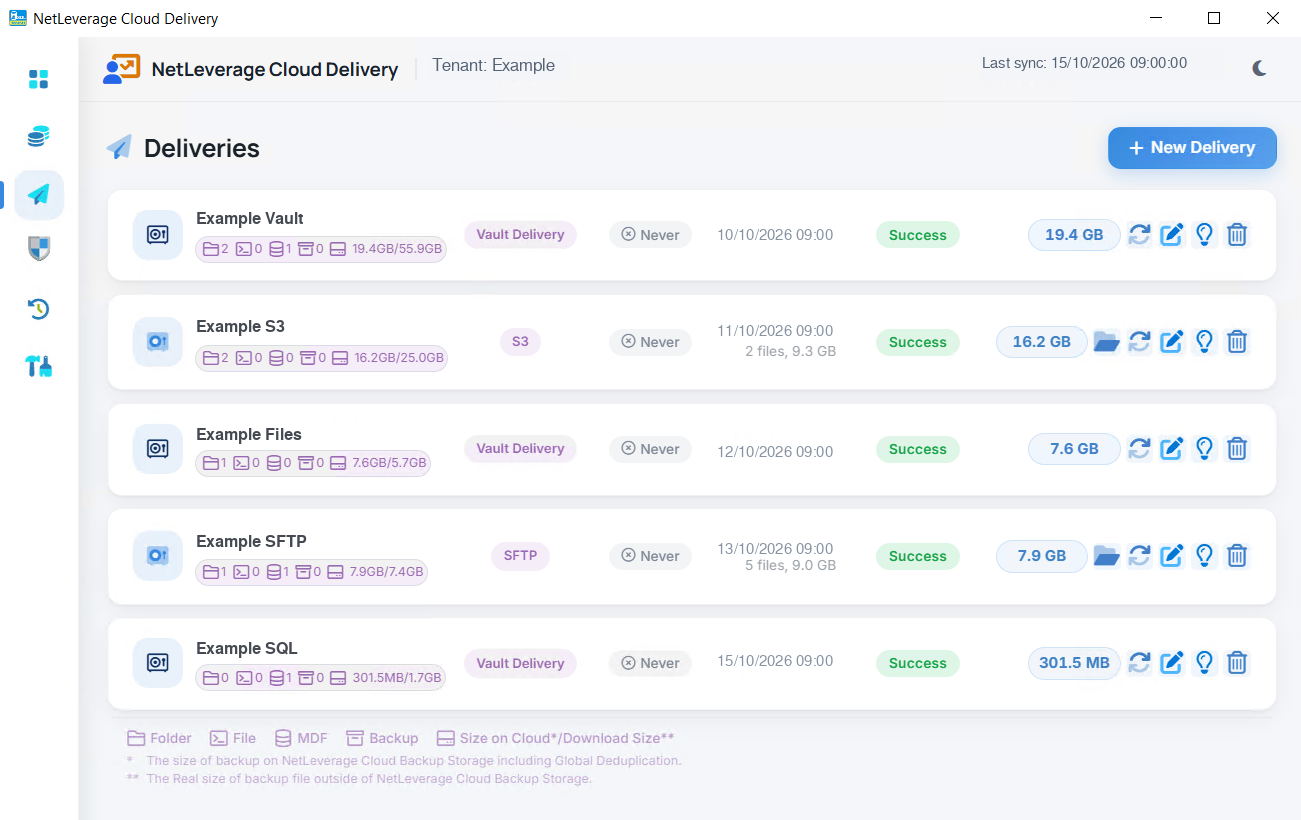
Arrange for selected backups to reach storage the customer controls. Follow the delivery and make the right copy available to an authorised colleague or adviser.