






A colleague needs a document for a customer meeting. It has disappeared from the shared folder. Nobody is certain which system held it originally, and the person who normally handles backups is away.
The meeting still needs to happen. The customer should not have to wait while staff learn how the business’s systems are arranged. Yet that is often where a simple recovery request stalls.
Browse Backups brings the different kinds of backup from the servers you can access into one place. It gives authorised staff a way to look for the missing work without opening each server separately.
Look for the file, not the infrastructure
People remember the document they were working on, the project it belonged to and roughly when it was right. They may not know which server stored it. Recovery should begin with what they need, rather than an examination of their technical knowledge.
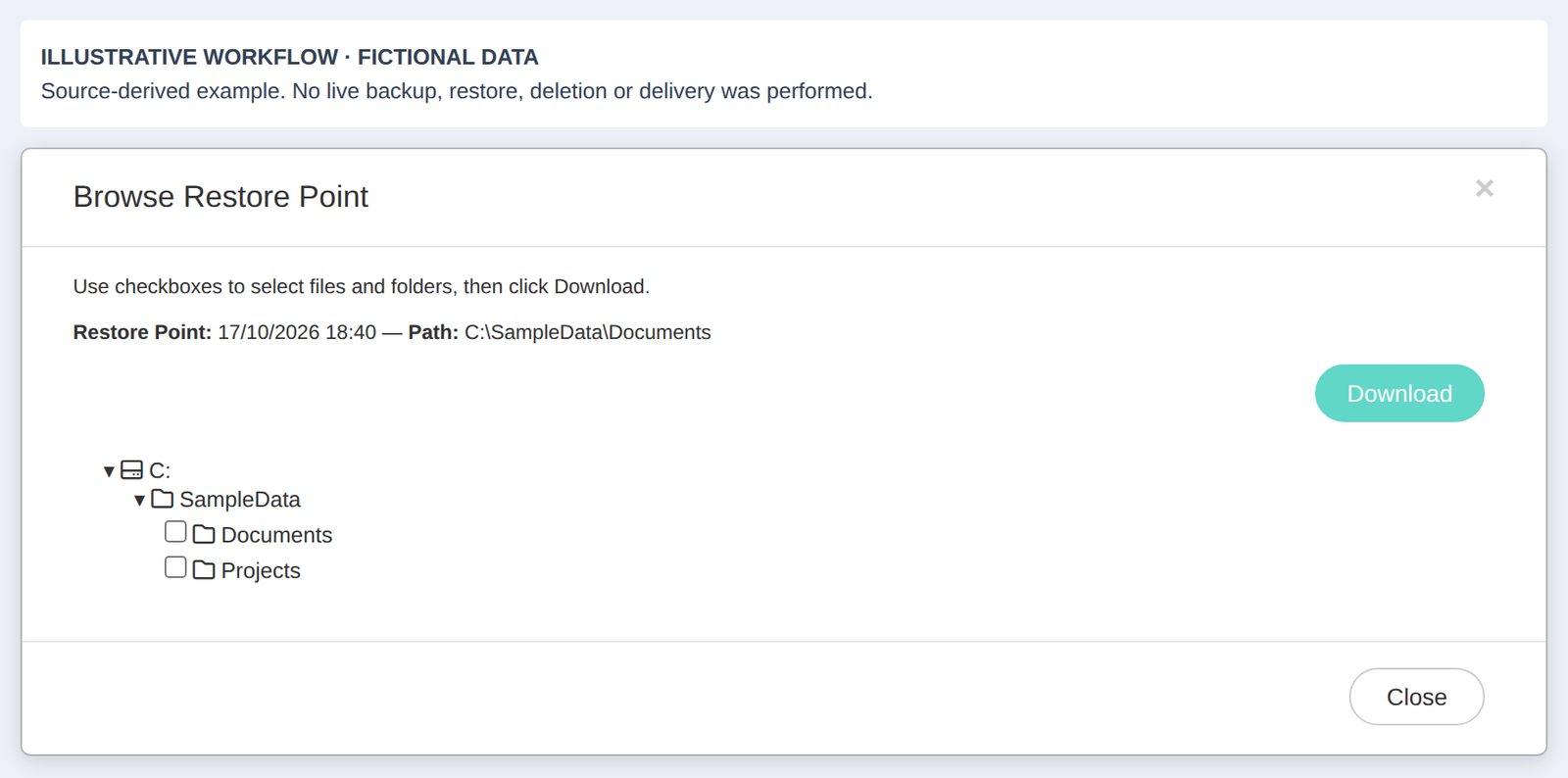
From Browse Backups, staff can see, browse and download available backups across their servers. They can find a file without first knowing which server it was on.
For the person preparing the meeting, that offers a more direct route to an earlier copy. For the support team, it removes some of the preliminary detective work around where to begin. Access to the recovered file still needs to follow the business’s normal rules.
See the coverage across the business
Backup arrangements often grow alongside the business. Another application is introduced, more records are stored, and responsibility is split between several people. Over time, it becomes harder for an owner to get a clear picture.
One page shows the servers, backup types and last runs available to the signed-in person. A partner can use that view to review coverage and identify where an expected backup needs investigation.
The useful conversation is specific: which systems matter, which backups should be present, and what does the latest record show? A consolidated view provides evidence for that conversation. It should be compared with the business’s agreed protection needs, rather than treated as a substitute for them.
Let staff help themselves within their own access
Some recovery requests are routine. A file was deleted, the wrong version was saved, or a previous document is needed for checking. Requiring every such request to pass through the same support queue adds a handover before the work can resume.
Customer staff see their own backups, not another customer’s. Authorised people can retrieve the files available to them, keeping everyday recovery closer to the team that needs the information.
For business owners, the practical choice is who should have that ability. Consider which roles regularly handle customer documents and who is responsible for checking a recovered copy before it is used.
Know when the recovery belongs with the service team
Recovering a document and bringing back a lost server are different jobs. Staff should not be expected to take on a whole-system recovery because they can download a file.
Backup Jobs shows whole-server backups running in real time. If a server is lost, NetLeverage handles bringing it back. That keeps responsibility for the larger recovery with the service team.
A reseller can explain that division plainly: your authorised staff can find and retrieve their available files; the provider handles restoring a lost server. Clear responsibilities matter when people are under pressure.
Software vendors gain a common place to review customer backups. Resellers can discuss coverage using the records in front of them. Customers gain a more practical route to the document they need.
Ask us to show your team how to find a backup and recover a file before the next urgent request.