






A new employee needs to retrieve a customer document. A contractor needs to review one part of the service. A reseller is taking on another customer. Each request sounds straightforward until somebody asks which login to use and what else that login would reveal.
Access decisions are business decisions. People need enough authority to do their work, while customer information and management controls should remain with the people responsible for them.
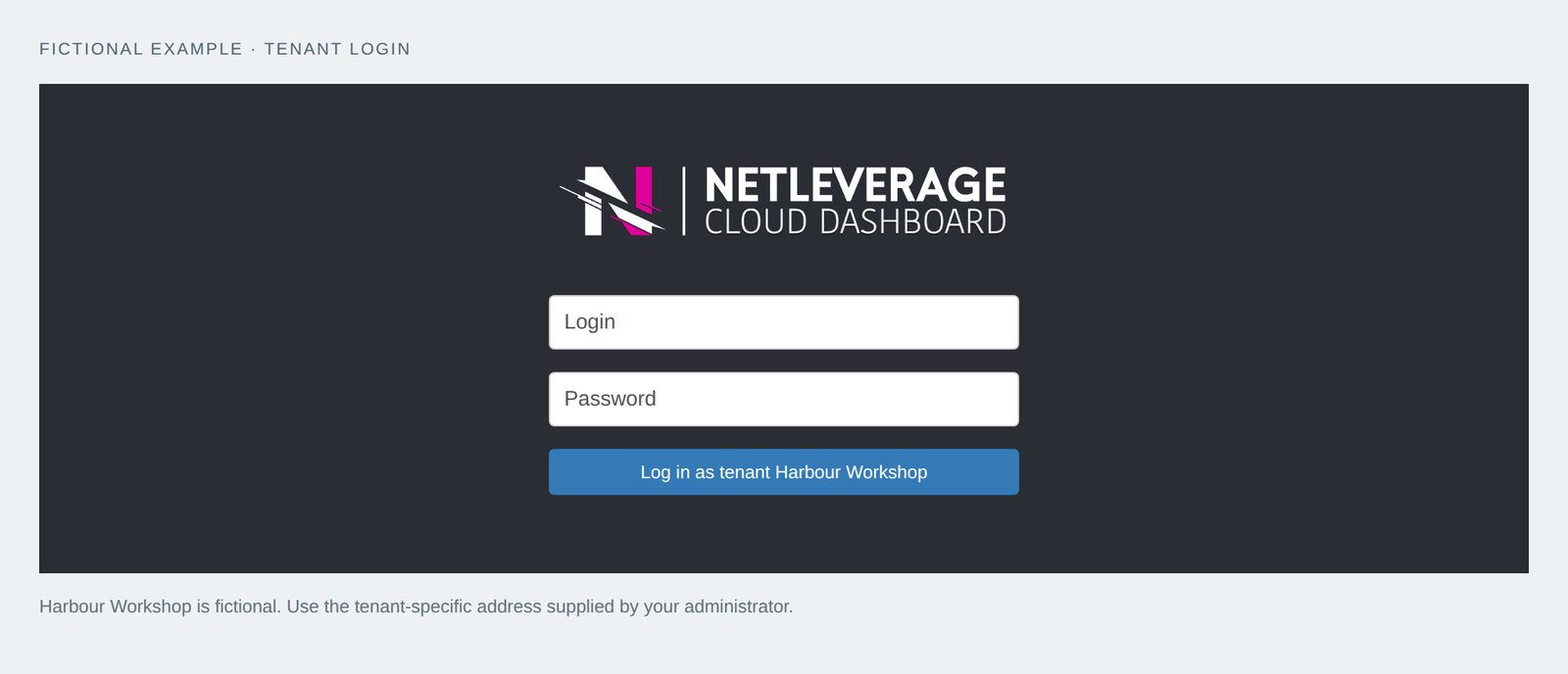
Users & Tenants lets vendors and partners organise customers under their own service identity, with a separate login page for each customer group. Within that structure, access can follow the customer, the assigned servers and the role of the individual.
Keep each customer’s view centred on its business
A partner may manage many customers, but an individual customer should not have to navigate the partner’s entire operation. It needs a recognisable place to sign in and a view of the services assigned to it.
A tenant is a customer or organisational group within the service. A tenant can add its own subgroups and customers, with servers assigned to each. That allows a vendor or reseller to reflect the relationships through which it actually serves its customers.
The value is clarity. People can understand which environment belongs to them and which organisation is providing their service. The structure supports growth without asking every new customer to work from the same undifferentiated account.
Match authority to the task
Looking at a service record, restoring a file and managing an environment are different responsibilities. Giving everybody management access because it is convenient can make those boundaries unclear.
Users & Tenants allows access such as view only, file recovery or management. The choice can follow the work the person is expected to perform.
Discuss the role before creating the access. Does the office manager need to check reports? Does a member of staff need to retrieve an earlier document? Who is authorised to manage the service? These are questions a business owner can answer without learning the underlying technology.
For a reseller, this provides a practical way to make customer access useful rather than all-or-nothing. For the customer, it makes the relationship between responsibility and authority easier to explain.
Use the customer’s identity where appropriate
New accounts can add work for staff and the people supporting them. Existing customer identities may already provide an appropriate starting point.
Users can be linked from Windows on the customer’s own server or created on the page. NetLeverage does not store the customer’s Windows password.
The right choice depends on how the customer manages its people. Agree who handles new starters, role changes and departures. The service provides the access structure, while those everyday business changes still need a clear owner.
A familiar identity can make the handover easier, but the purpose remains the same: the right person reaches the right customer environment with the authority needed for the job.
Send information to the person who will use it
A report sent to an unattended inbox does little for the business. The same applies when responsibility changes but the service still points to the previous contact.
My Settings lets people manage their report destination, password and session time-out. These are small choices with practical effects: information reaches the responsible person, and the account behaves in a way that suits how it is used.
The weekly SLA report is being added to this area.
Software vendors can organise customers under their own name. Resellers can reflect customer responsibilities in the access they assign. Business owners can give staff a useful role without handing every person the same controls.
Ask us to review your customer groups and roles using the tasks your people actually need to perform.